info@claycon.com 2865 Pullman Street, Santa Ana, CA 92705 (800) 235-4411

OnRobot D:PLOY - Clayton Controls

OnRobot D:PLOY

D:PLOY – THE NEXT BIG LEAP IN AUTOMATION

D:PLOY is industry’s first automated platform for building, running, monitoring, and re-deploying collaborative applications. It automates the process of getting a robotic application up and running, allowing deployment directly on the manufacturing floor, with zero programming and zero simulations. With D:PLOY, complete applications can be deployed in just a few hours.

Add "Get a Quote Button" Here

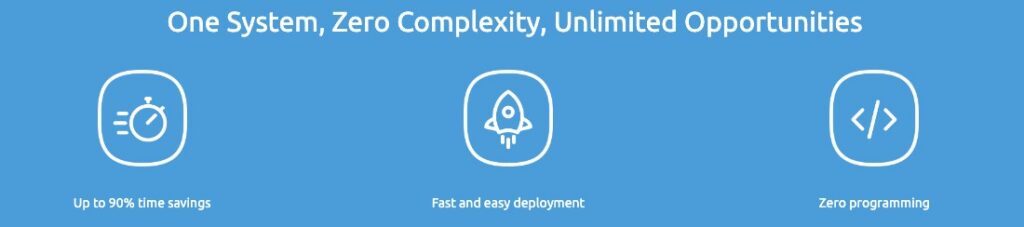
D:PLOY simplifies automation to provide you with a flexible, easy, and affordable entry point into robotic automation. D:PLOY offers dramatic savings of up to 90% on deployment and re-deployment time compared to conventional solutions available up until now, enabling you to finally reap the benefits of automation. D:PLOY helps bring down overall automation costs by reducing deployment and re-deployment time for you to see faster, lower-cost implementation, while gaining control over ongoing automation changes in your production.

    • ✓ Automate faster, easier, and without risk

    • ✓ Solve labor shortage problems

    ✓ Relieve operators from unwanted tasks
    • ✓ Up to 90% deployment time savings for faster ROI

    • ✓ Improve productivity and stay ahead of competition

    ✓ Take control of your automation journey


Get started with D:PLOY in just five easy steps

STEP 1 – Cell setup

D:PLOY automatically discovers most of the installed hardware. You no longer need to spend a lot of time on setting up the robot, install or program the interface to control tools and other cell components.

STEP 2 – Workspace

Use the intuitive graphical interface to set workspace obstacles and cell boundaries. D:PLOY automatically generates a collision-free path depending on the obstacles defined.

STEP 3 – Application setup

Enter workpiece attributes, pick position and other application inputs via the simple step-by-step flow. D:PLOY automatically generates and optimizes all the program logic, signal exchanges, event handling and path planning for the entire application.

STEP 4 – Operate and Monitor

Run your application at a click of a button. With minimal configuration, get monitoring insights into performance indicators in real time to enhance productivity and minimize downtime.

STEP 5 – Re-deploy

Quickly make changes and re-deploy the application when production requirements change, such as introducing a new part or to meet new packaging or palletizing needs.
Speed Your Application Success

Palletizing

Quickly and easily set up and adapt your palletizing application with D:PLOY Palletizing

READ MORE ->

Transferring

Quickly set up, run and redeploy any pick-and-place application with D:PLOY Transferring

READ MORE ->

CNC Machine Tending

Eliminate the complexity of robotic CNC machine tending with D:PLOY CNC

READ MORE ->

Packaging

Get fast, easy packaging without complex robot programming with D:PLOY Packaging

READ MORE ->